Interpreting the Dimensions from a CBVT Scan?
Dr. G. asks:
I am just starting out in reading a cone beam volumetric scan to place my own dental implants. I recognize the anatomical structures. What I am having difficulty with is interpreting the dimensions. For example, how do I determine if I have enough occlusogingival distance for placement of a dental implant of a particular length? Also, how do I determine if I have adequate buccolingual or mesiodistal space for an implant of a particular diameter? What software program should I use to determine this?
5 Comments on Interpreting the Dimensions from a CBVT Scan?
New comments are currently closed for this post.
doctorberg
10/14/2008
Dear G:
To determine occluso-gingival space(I am guessing interocclusal space) for the restoration of the implant, the best way is and probably will allways be a diagnostic wax up, (it will give you a good surgical guide if you are starting)and by the way, interocclusal space has nothing to do with the length of the implant to be placed.
Usually the cone beam scans come in a cd or dvd and you can request the software to your cb provider, if its not included(it normally is). With that you can play with the images and get all the info you can possibly need.
coxsakie
10/15/2008
the buccolingual space can be viewed on the CBVT in 1:1 climax.
Do u actually know how to read a traditional CTscan???
ankdent
10/15/2008
how do we read this? any article or book explaining this?
Mike Stanley, asst.
10/21/2008
Most of the reconstruction software will include a measurement tool. These measurements are (within reason) one-to-one and accurate.
We take most of our scans in CO or MI, so I can measure directly between a placement site and opposing dentition. That also helps with angulation planning (ie: Will a straight, angled or custom abutment needed and what total height will we use.)
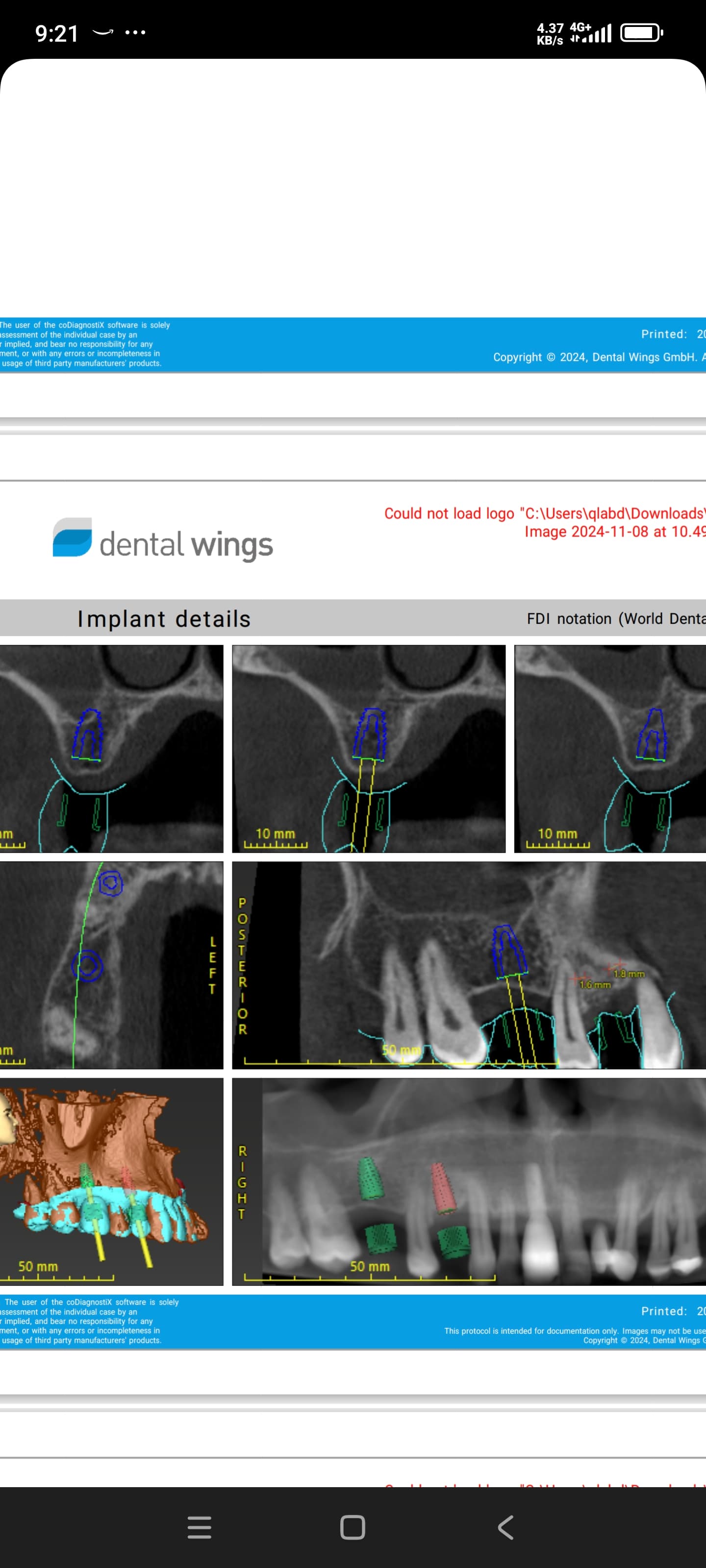
As for the space available within the bone, the basic software usually can show slices following along any arbitrary line (like a string of pearls) which can also be measured.
3-D reconstruction and planning software allows you to accurately plan placement in 3D. We don't have a good one, but are examining several. Start with the ConeBeam section on this site, the links page on Imaging Sciences site (iCAT), Conebeam.com and then Google.
Spend some time with the folks who "shoot" your CTs and go to a formal seminar or class or two.
Good luck!
Murry Shohat
3/16/2009
I am a reporter, not a treater, and I've acquired and used software from QR Verona (NewTom 3G), Simplant and Accu-i-Tomo. All three packages include on-screen measurement tools that are accurate I think to 0.1mm. And the Simplant package lets you select specific implants from a data base (for example, select a Nobel Replace Select tapered 4.3 x 13) and attempt to position it on the pts actual CBCT, both panoramic and slice. You'll get an alarm if it won't fit! Angulation is also measured by the software.